 UlarNaga
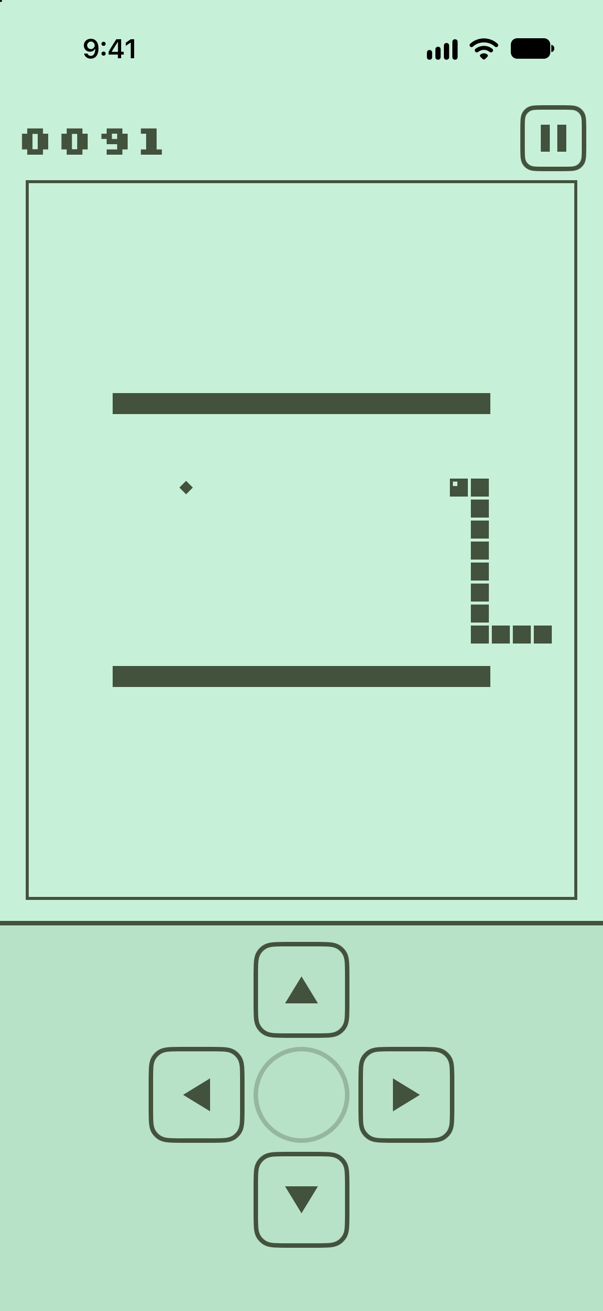
SCORE 0091 · LEVEL 6
Snake, as you remember it.
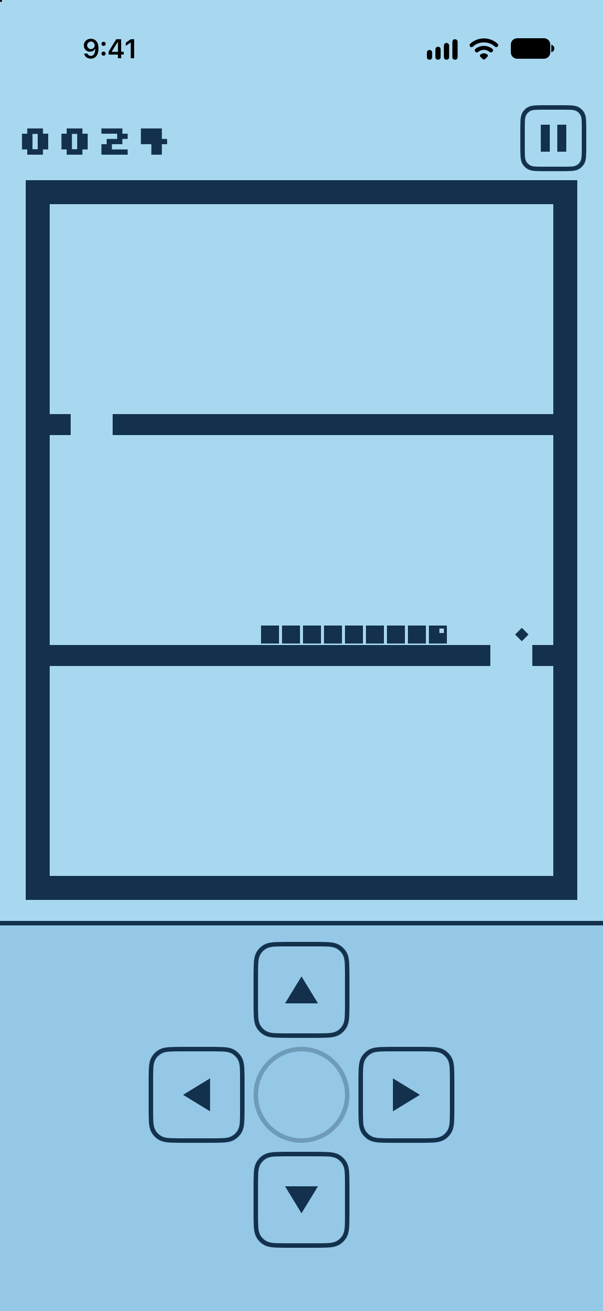
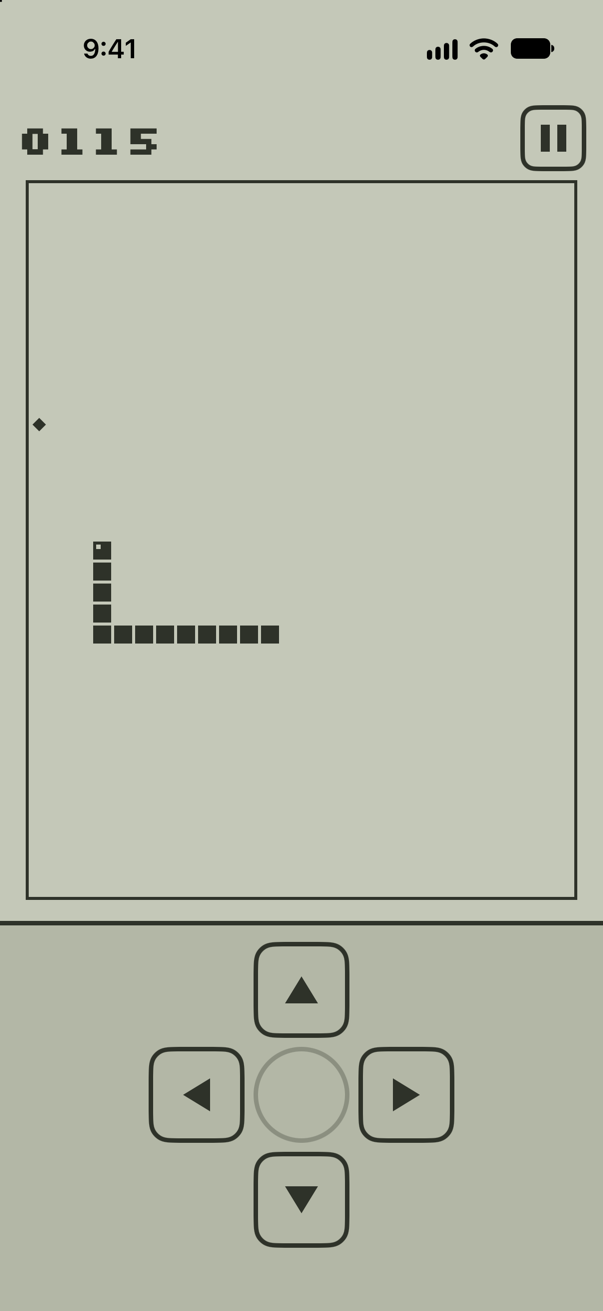
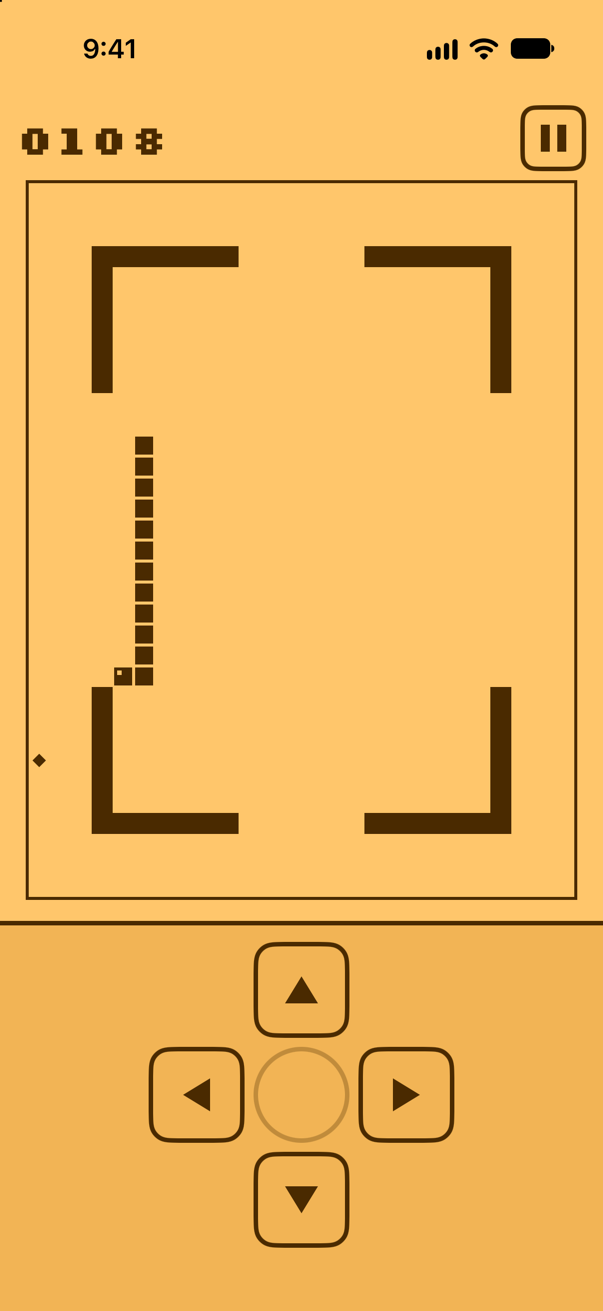
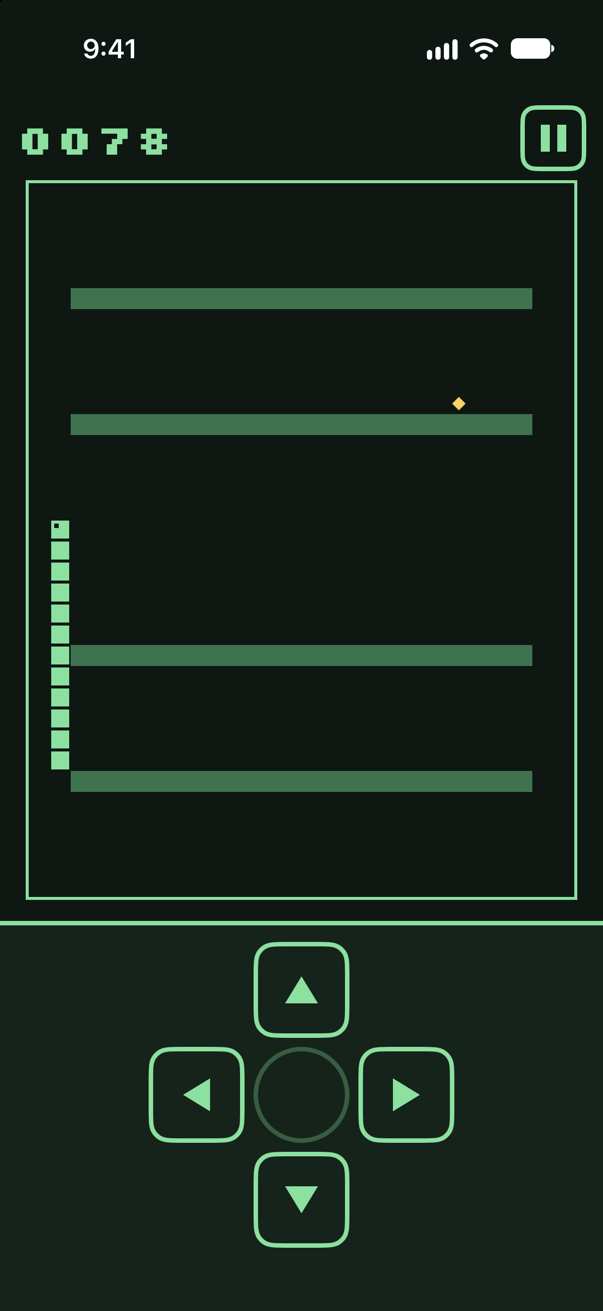
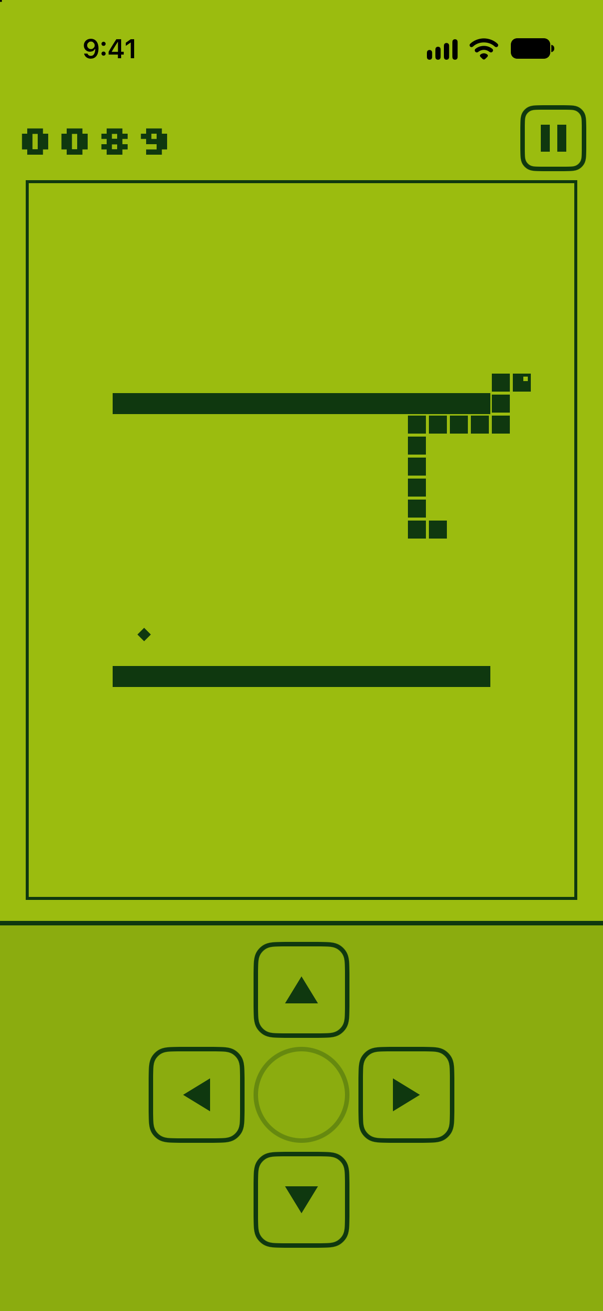
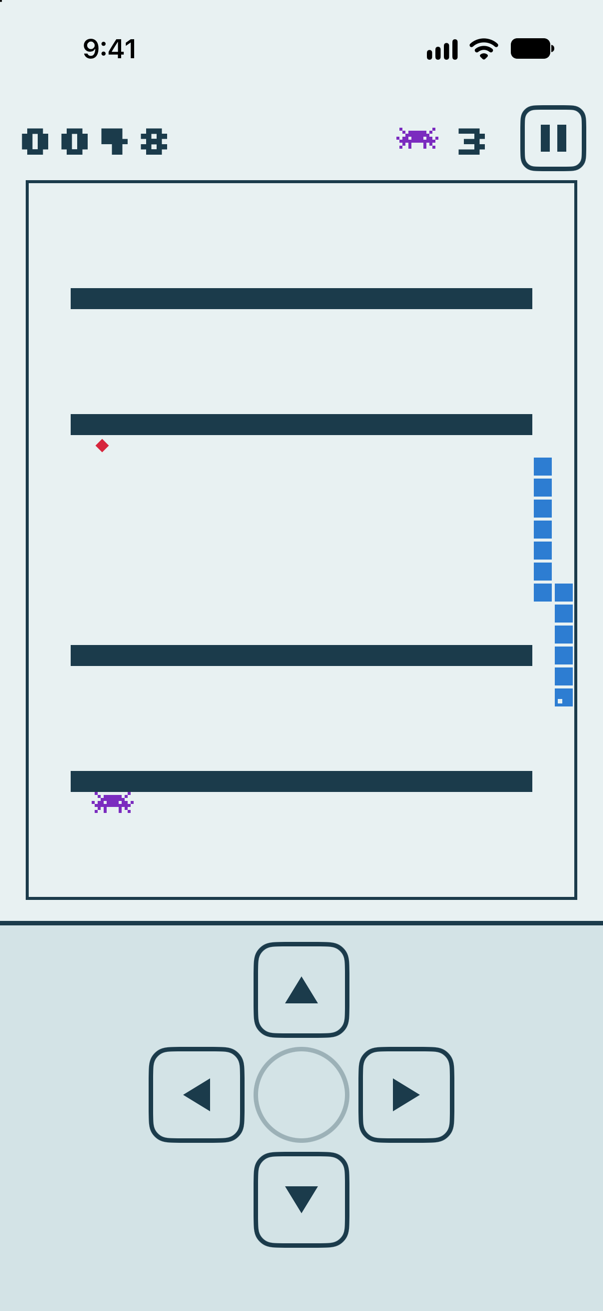
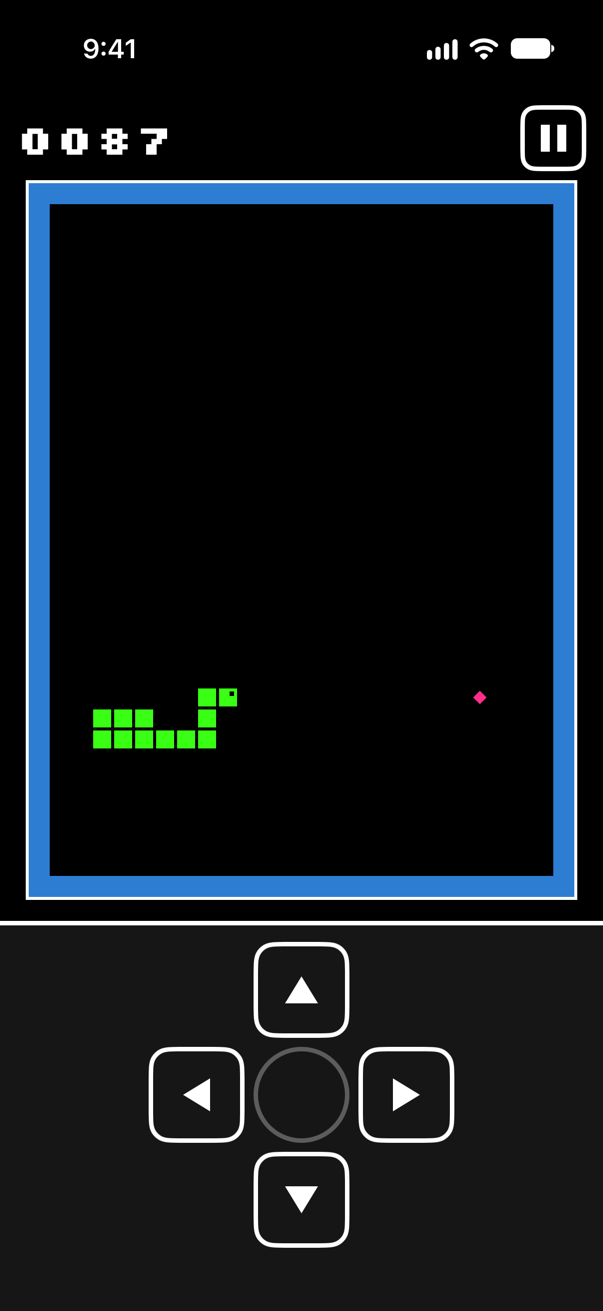
A pocket-LCD snake for iPhone, with nine speeds, six mazes, a bonus bug and a top-10 table for your initials. Pick a screen colour at the top and the page follows.
iOS 17+ · No account
9
Speed levels
6
Mazes
8
Screen themes
10
Places on the board
Menu
1 / 5
New game
Steer with the D-pad and eat to grow. Each bite scores your level number, so faster levels score more.
The arrows fire on touch-down, so a turn lands the moment your thumb does.
Pause in the corner
The pause button sits top right, well away from the D-pad, so a hurried turn never stops the game.
Square-wave beeps
Synthesised on the phone, the way the old speakers sounded. Switch them off in Settings.
Haptics
Feel every bite, every bug and the final crash. Vibration has its own switch.
Eight screen colours
From classic green to full arcade colour. Snake, food and walls keep at least 3:1 contrast on all of them.
One thumb
Portrait only, with the D-pad where your thumb already rests.
Offline
No account and no network. Your scores stay on your iPhone.
Help
- Is this the original Nokia game?
- No. UlarNaga is a new game made in the spirit of the classic phone snake, with no connection to Nokia.
- What does “Ular Naga” mean?
- It is a children’s game from Indonesia: players hold on to each other in a long line and wind around like a dragon-snake.
- Which devices does it run on?
- iPhone with iOS 17 or later, in portrait.
- Does it need an internet connection?
- No. UlarNaga plays fully offline, has no account and never connects to the internet. Your scores stay on your iPhone.
- Can I turn off the sound or the vibration?
- Yes. Sounds and Vibration each have their own switch under Settings in the game’s menu.
- How is the score counted?
- Each bite scores your level number, so faster levels score more. The bonus bug is worth more the sooner you catch it.
- Why did my score not make the top 10?
- A score has to beat the tenth place to get in. Ties rank the earlier score higher, so matching tenth place is not enough.
- How do I pause?
- Tap the pause button in the top-right corner. It sits away from the D-pad so a quick turn never stops the game. Tap the centre key to carry on.
Something else? Get in touch.
GAME OVER · 0091
Play again?
For iPhone with iOS 17 or later.
Coming soon to the App Store